Audit
Redesign
Prototype
Role Product Design Intern
Company Mille Luci
Platform Web · E-Commerce
Overview
The client is a pharmacy and their business goal was clear: to grow their subscriber base. The login experience was one of the first places where that growth was being undermined.
This case study documents what was failing users in the original design, the specific decisions made to fix it, and the reasoning behind each one.
The problem
The flow supported three distinct authentication methods: email passcode, email and password, and Google SSO. The experience of using it, however, told a different story than its feature set suggested.
01
Issue
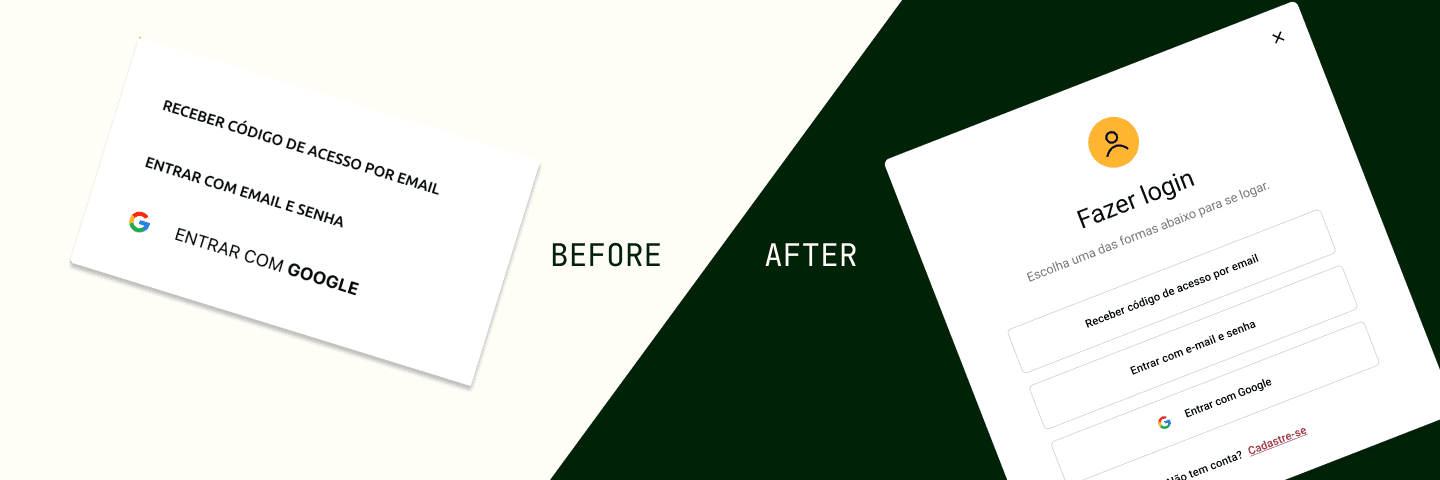
The login overlay was anchored to the top-left corner of the screen, styled to resemble a dropdown menu. This reduced visual prominence and did not signal that it was a primary task.

02
Issue
The email passcode flow used inconsistent typography: after entering an email address, the prompt to enter the passcode appeared in a noticeably different font, breaking visual continuity. The Google SSO button was visually mismatched with the other two login options, lacking consistent sizing, spacing, or style treatment.

03
Issue
The option to create an account was only exposed within the email-and-password flow. Users navigating the passcode or SSO methods had no visibility into account creation, making the feature easy to miss.

04
Issue
The selected state on the input form was a hard to see slight boldening of the outline. The error state was not context dependent, and gave incorrect feedback (Ex: The error state reads 'incorrect user or password' in the submit code flow).

The Solution
The new modal layout was implemented into the first two login structures, login with code and login with email and password.
01
DeCIsion
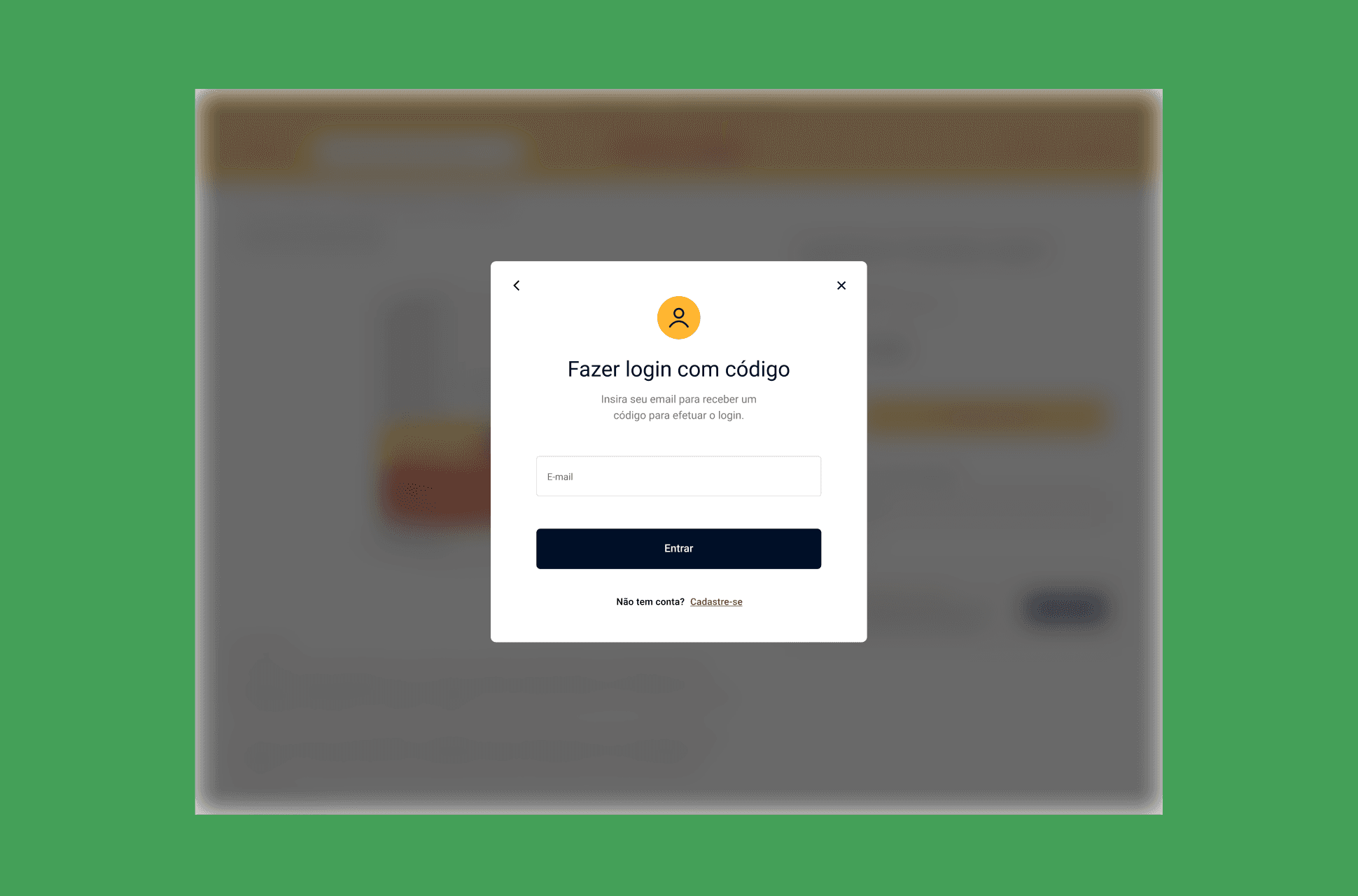
A centered and focused modal placement draws the user's attention
The login interface was converted to a centered overlay modal that dims the background content. This draws the user's attention directly to the task, signals its importance, and reduces visual noise. According to the Nielsen Norman Group, it's recommended to use focused modals when entering important information.
02
Decision
Consistent visual design generates trust
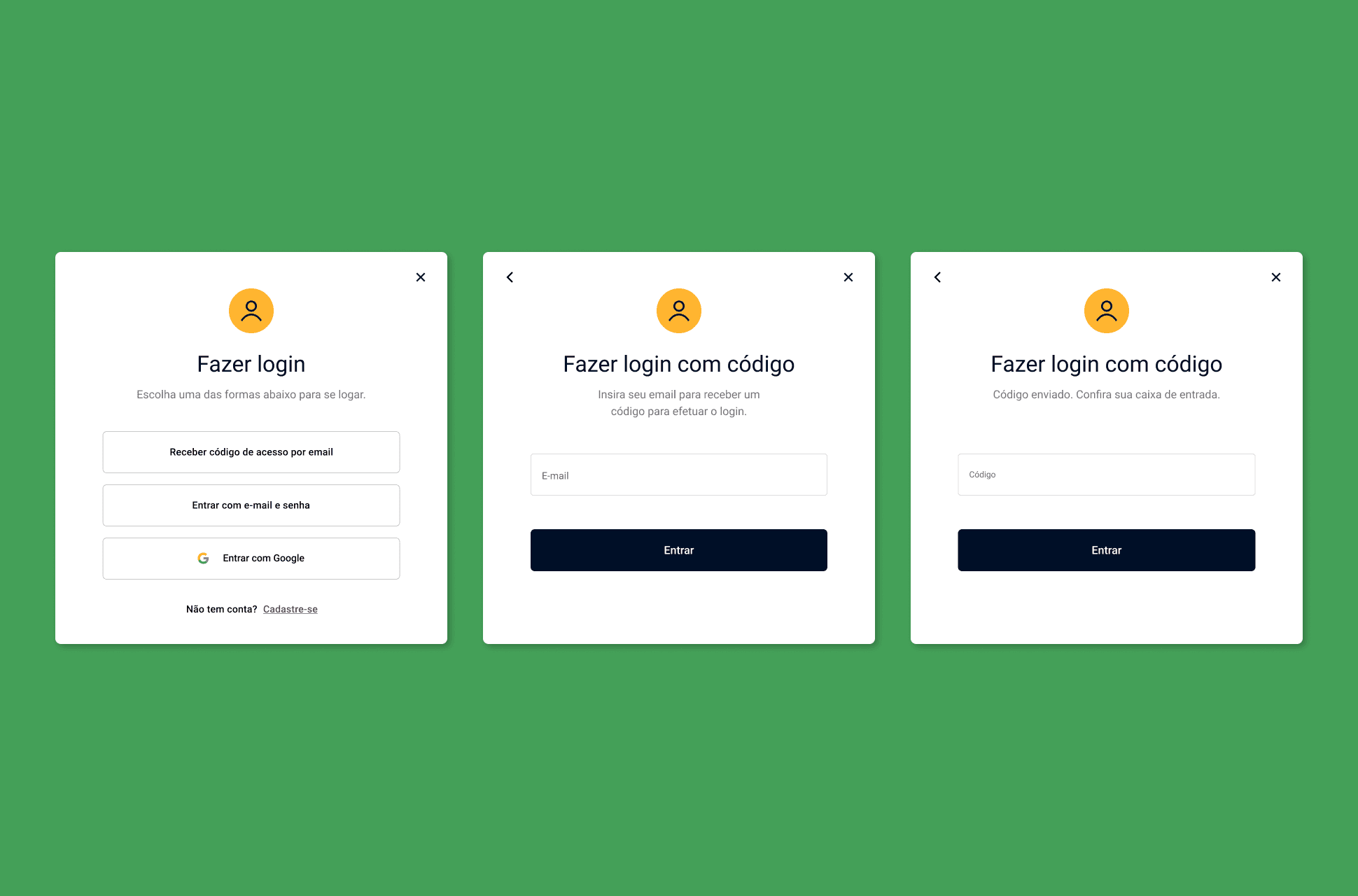
A clear title and supporting subheader were added to orient the user and provide contextual guidance without overloading the interface. All three login options are now consistently spaced and visually aligned. Input fields are wider and uniformly sized across methods.
03
Decision
Account creation is visible from every entry point
The account creation prompt is now present across all screens in the login flow, not hidden behind a single method. Users can discover and access account registration regardless of which authentication path they begin.

04
decision
Error and selected states bring clarity
Selected states are now a blue outline for better visibility. Error states now use red typography and exclamation mark icons to clearly communicate when something has gone wrong. Error messages are specific to the authentication method in use, eliminating the misleading "invalid email/password" copy for the passcode flow.

Final Deliverables
The redesign covered the complete login flow across the email with passcode and email with password. Shown below are the user journey at final fidelity.
Login with Code Flow
Login with Email & Password Flow
The OUTCOMES
Outcomes are inconclusive; the redesign is yet to be fully deployed
The new login flow was delivered at production fidelity and handed off to the development team. Full deployment was still pending at the time of writing. Without live traffic running through the redesigned flow, conversion and drop-off metrics remain unavailable. What can be measured is the scope of what was fixed: four identified friction points resolved, three authentication methods unified under a single visual system, and two complete flows documented at handoff-ready fidelity.